
Hlo! KDE Plasma 5 is the fifth and current generation of the desktop environment created by KDE primarily for Linux systems. In this post, you will see the Top 5 Best Linux Distributions that are best suited for running KDE Plasma 5 without crashing into any difficulty.
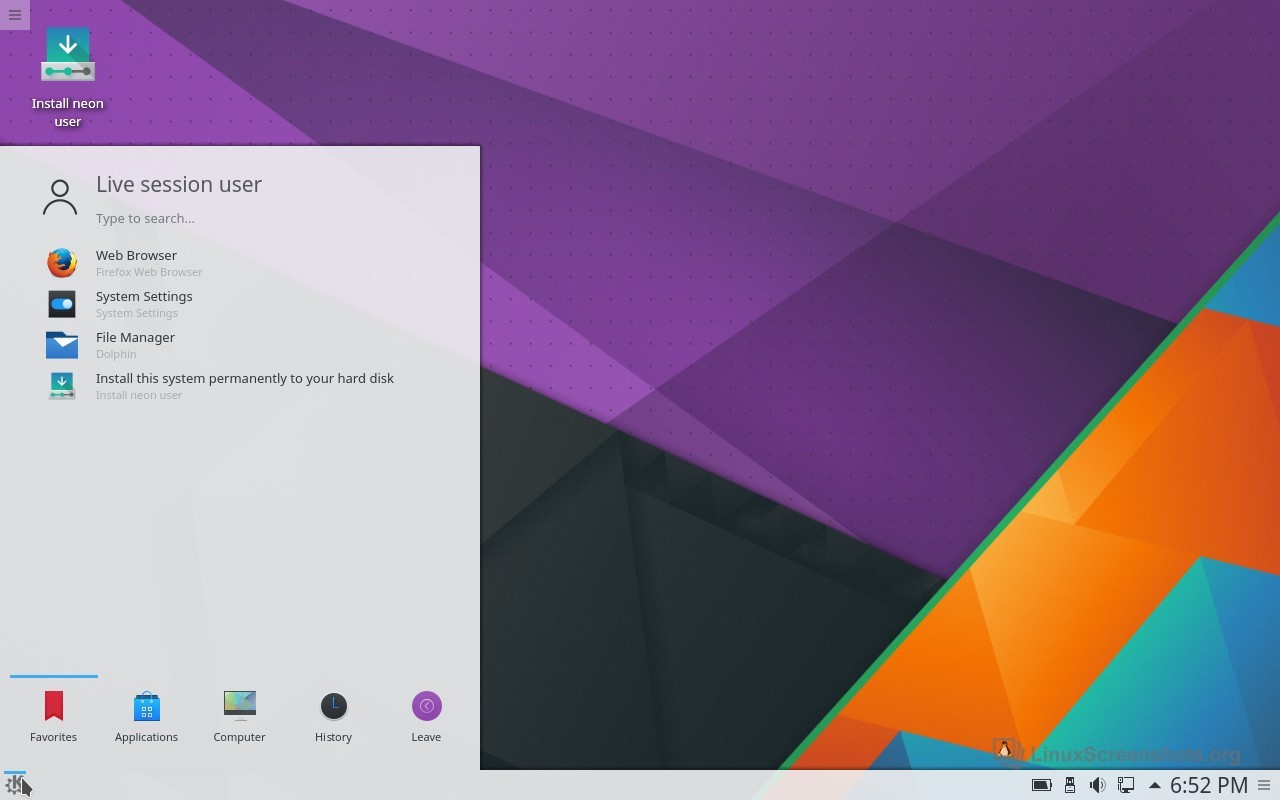
1. KDE Neon
Based On
Ubuntu LTS
Default Desktop Environment
KDE Plasma 5
Release Schedule
Follows KDE releases
Init-System
Systemd
Package manager
dpkg
Official Supported Architectures
amd64
Current Linux Kernel
4.10
Last Officially Updated
Da
Pros
- Uses the stable Ubuntu long-term release as its core, packaging the best software fresh from the KDE Community.
- It’s about as close as you can get to being an official KDE distro
- Rolling release with fixes every few weeks instead of the traditional model of waiting months (or a year+) for a new release.
- Since it’s built on the strong Ubuntu base, KDE Neon works seamlessly with a huge variety of hardware.
Cons
- It uses Discover as its package frontend, which uses PackageKit, but PackageKit does not support all Apt/dkpg features and your system will bloat over-time.
- So it just a repack, it also means that all packages are built with GNOME features which adds additonal GTK/GNOME dependencies.
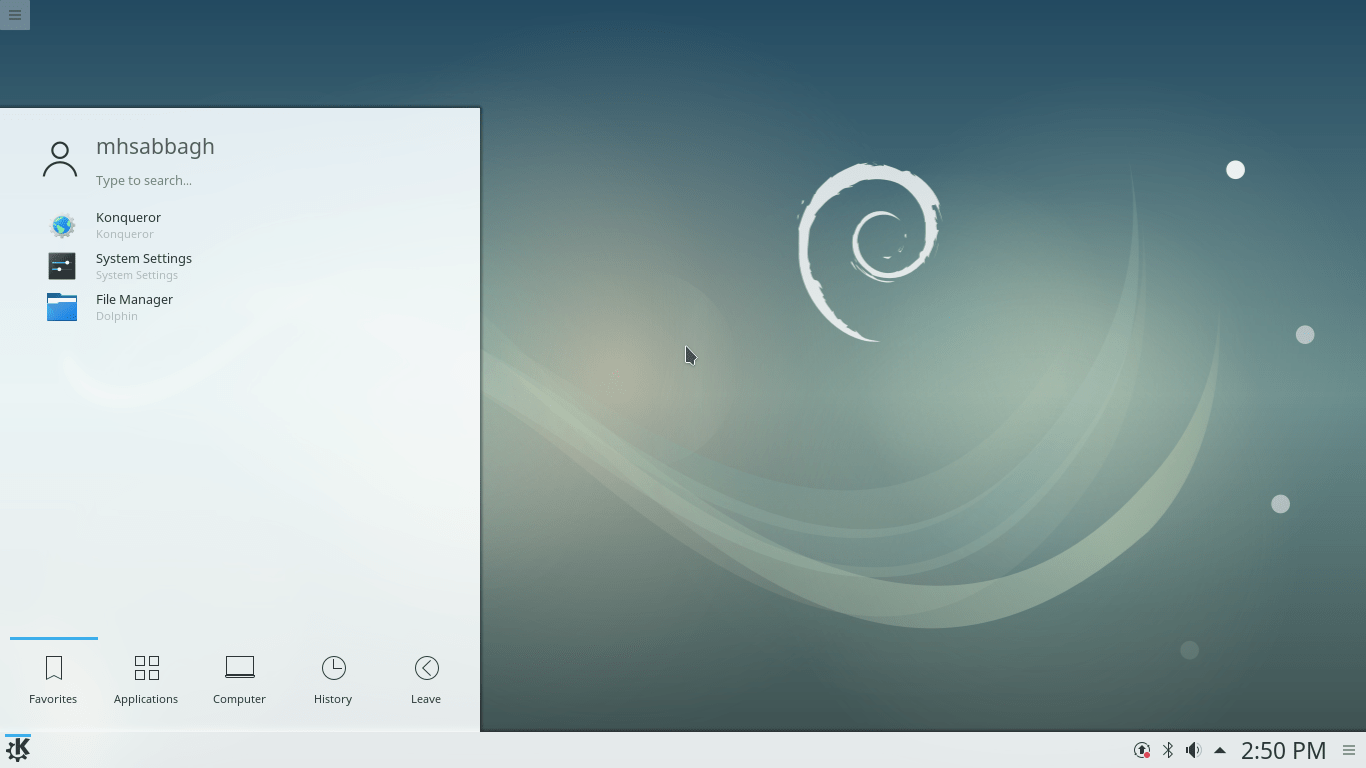
2. Debian Gnu/Linux
Debian is a Unix-like operating system composed entirely of free software packaged by a team of volunteers.
Based On
None
Default Desktop Environment
CLI, GNOME(Xfce on non-Linux Ports)
Release Schedule
2 Years / Rolling
Init-System
Systemd(SysVinit on non-LinuxPorts)
Package manager
dpkg
Official Supported Architectures
http://www.debian.org/ports/
Price
Free
Pros
- Debian runs standard Gnome, XFCE, KDE – it doesn’t use its own special desktop environment, which means that users benefit from the work of the whole Linux community, Debian developers can focus on the distribution itself, and any support for your desktop environment on other distributions should work on Debian as well.
- Debian has the widest choice of hardware platforms, including:
amd64, armel, armhf, i386, ia64, kfreebsd-i386, kfreebsd-amd64, mips, mipsel, powerpc, sparc, s390, s390x, source, multi-arch. - Debian is one of the oldest and most popular distros out there. Debian’s popularity means that you will always be able to find a solution for your problem just by searching on Google, or if by chance nobody has had the problem you are having it’s very easy to ask the community and quickly get a solution.
Cons
- Non-free hardware will not work upon install of Debian and the user will need to search out the correct non-free software to install in order to make them work. This can be difficult if one of the things not working is the WiFi connection.
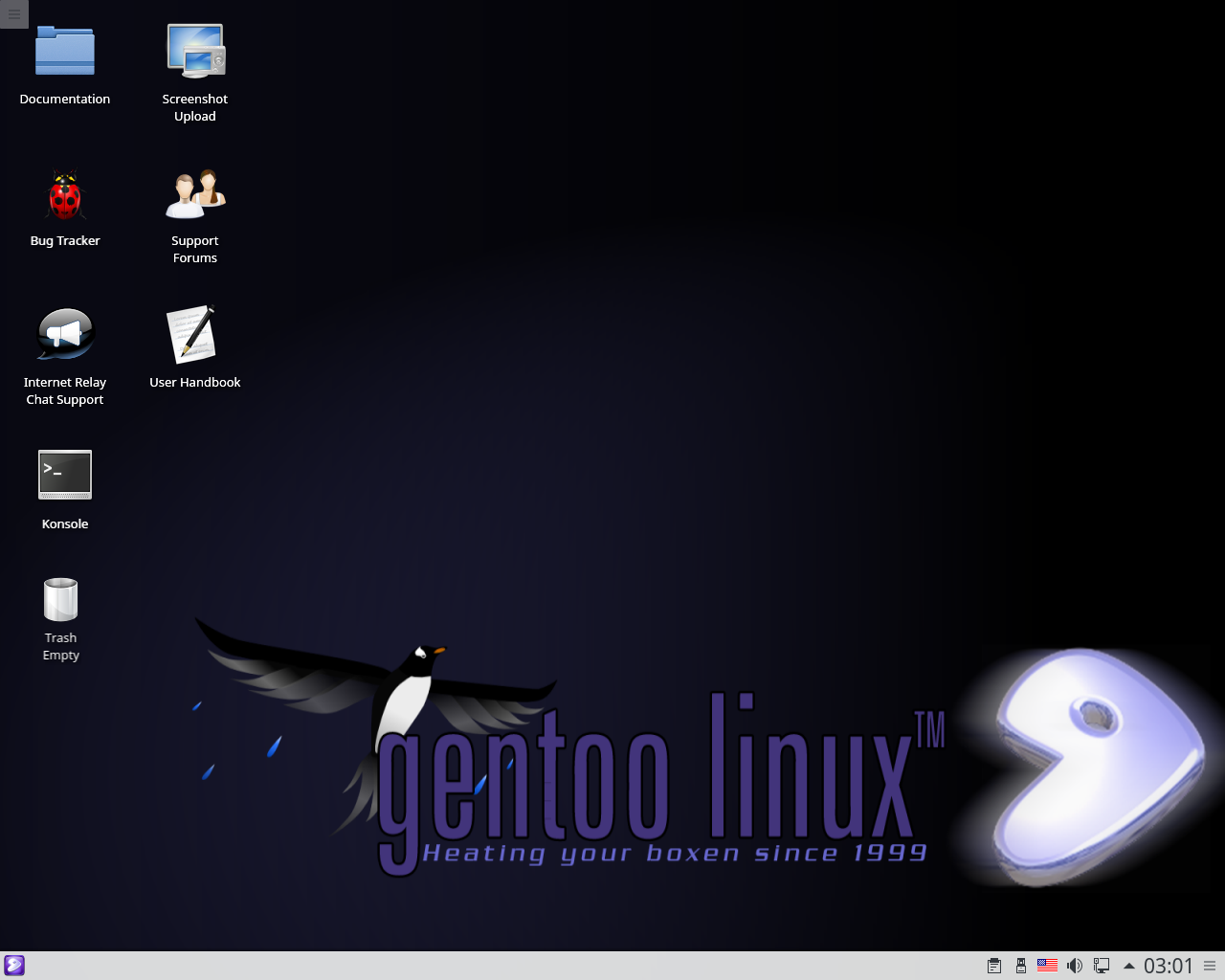
3. Gentoo Linux
Gentoo Linux is a Linux distribution built using the Portage package management system. Unlike a binary software distribution, the source code is compiled locally according to the user’s preferences and is often optimized for the specific type of computer.
Based On
Independent
Default Desktop Environment
CLI
Release Schedule
Rolling
Init-System
OpenRC
Package manager
Portage
Official Supported Architectures
i486 i586 i686 x86_64 alpha arm hppa ia64 mips powerpc ppc64 sparc64
Current Linux Kernel
4.20
Price
Free
Pros
- The usage of advanced features like USE flags makes it more customizable than any binary distribution.
- There are more than 19.000 packages available in the official repository. And even more with overlays.
- You build the package from a source you can see and read. You decide which features you want to build in and which aren’t needed. You can choose build options, optimisation and whatever else fancy stuff you want modified. With a binary distribution this simply isn’t possible.
Cons
- You have to read a lot of instructions to start, even if you are familiar with Linux. Furthermore, as you have to configure the kernel and init system, expect some boot failures at beginning.
Thanks for reading!
 HloTech95